Stop emailing marketing@. Reach the people who decide.
You see PR packages and brand collabs all over TikTok and Instagram. So you pitch pr@, influencer@ and hello@, and nothing comes back. Kove Contacts gives you the direct emails of Heads of Marketing, Influencer Managers and PR Managers at brands that actually send PR and have creator budgets. Plus 3 free bonuses.
All contacts
2,000+ decision makers
Contacts at beauty, fashion and lifestyle brands
Generic inboxes don't answer. People do.
Shared addresses get hundreds of pitches a day, and often nobody owns them. The person who builds the PR list and signs off on creator budgets almost never reads them.
What everyone emails
Found in the bio or the footer. Everyone else found them too.
- marketing@brand.comShared inbox · hundreds of pitches a dayNo reply
- influencer@brand.comFiltered by an auto-responderNo reply
- pr@brand.comMostly press and agency requestsNo reply
- hello@brand.comCustomer service queueNo reply
What you get with Kove Contacts
A named person, their role and their direct email.
- Sarah M. · Head of Influencer Marketings••••••@brand.comDecision maker
- James K. · PR Managerj••••@brand.comDecision maker
- Lena R. · Head of Marketingl•••••@brand.comDecision maker
- Tom W. · Brand Partnerships Leadt•••••@brand.comDecision maker
One product. Three free bonuses.
Brand Contacts
2,000+ direct decision-maker emails · 15+ categories · CSV
All four live in your Kove dashboard, one login.
No reply? Maybe your email never arrived.
Too many pitches from a new address end up in spam, and you never find out.
Will your pitch land in the inbox?
Tick what's true for you today. The guide shows how to fix every point you can't tick.
A link brands click and remember.
Build a one-page creator media kit in a clean black and white style. Sections: hero with my name, niche and city; a grid of 6 embedded TikTok and Instagram Reels; audience stats (followers, engagement, top countries, age); brands I worked with; rate card for Reel, TikTok and Story set; a contact button that opens email.
 1.2M views
 840K
 610K
 2.1M views
 390K
 1.0M
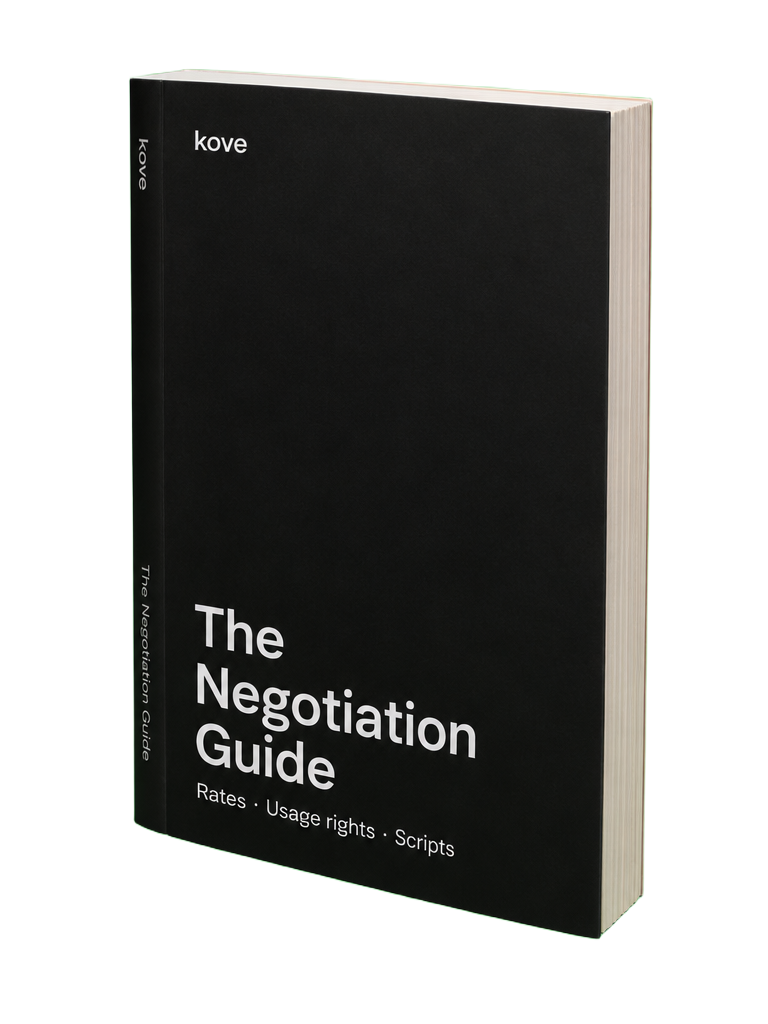
The first offer is almost never the best one.
From checkout to first pitch in five minutes.
Get instant access
Pay once. Your login, the media kit template and both guides arrive by email right after checkout.
Set up inbox and media kit
Follow the inbox guide and publish your portfolio page in an afternoon.
Filter, download, pitch
Pick your category, download the contacts and send your first pitch from a clean inbox.
Sorted by niche, so you only pitch brands that fit.
Tap a category to open it in the dashboard preview.
Everything you need to pitch the right person.
Direct decision-maker emails
Personal work addresses with name and job title. No info@, no hello@, no support@.
Only brands that gift and pay
Every brand sends PR packages or runs paid creator campaigns.
checked contacts
Category filters
Find the brands in your niche in seconds.
One-click CSV download
Import into Gmail, Notion, Google Sheets or your outreach tool.
Brand website
Check the brand's look and products before you write.
Regular updates
People change jobs. Contacts are refreshed so you don't hit dead ends.
Works on your phone
Log in from anywhere, copy an email and pitch straight from your inbox.
One payment. The whole kit.
One reply from the right person can turn into a PR package or a paid collab. One better-negotiated deal pays for the kit several times over.
- Brand Contacts database2,000+ decision makers · all categories · CSV · updates
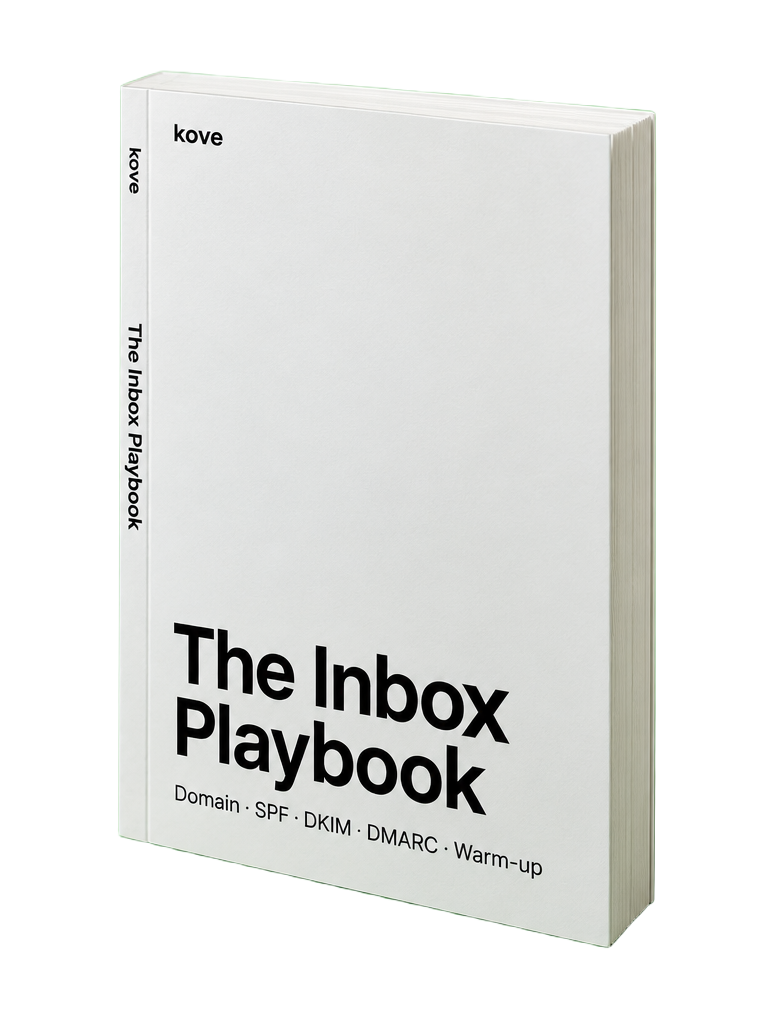 Inbox GuideNegotiation
No subscription. Secure checkout is being connected.
Questions creators ask.
Are these really decision makers?
Yes. Every contact is a named person in marketing, influencer marketing, PR or brand partnerships, with their job title. No info@, hello@ or support@ addresses.
How do I get access?
Right after checkout you get an email with your login. Log in, choose a category and start browsing straight away.
Can I download the emails?
Yes. Select single contacts or a whole category and download them as a CSV file. It opens in Excel, Google Sheets, Notion and most outreach tools.
Do I need to code for the media kit?
No. You paste the prompt into Lovable, add your video links, stats and rates, and publish. The design template shows you what the finished page should look like.
Which categories are included?
Beauty, Skincare, Haircare, Fashion, Swimwear, Fitness, Wellness, Food & Drink, Tech, Home, Travel, Outdoor, Pets, Baby & Family and Jewelry. New categories are added over time.
Why would my emails land in spam?
New addresses that suddenly send many similar emails, missing SPF, DKIM or DMARC records, links and attachments in a first email: all of these raise spam flags. You usually don't get a warning. The inbox guide walks you through the setup and how to test a pitch before you send it.
Is it a subscription?
No. You pay once and keep access to everything, including updates to the contacts and guides.
Do you guarantee replies?
No one can promise a reply. A short, personal pitch to the person who decides gets read far more often than a pitch to a shared inbox. Kove Contacts gets you to that person.
Your next PR package is one email away.
Skip the shared inboxes and write to the people who build the PR lists.